


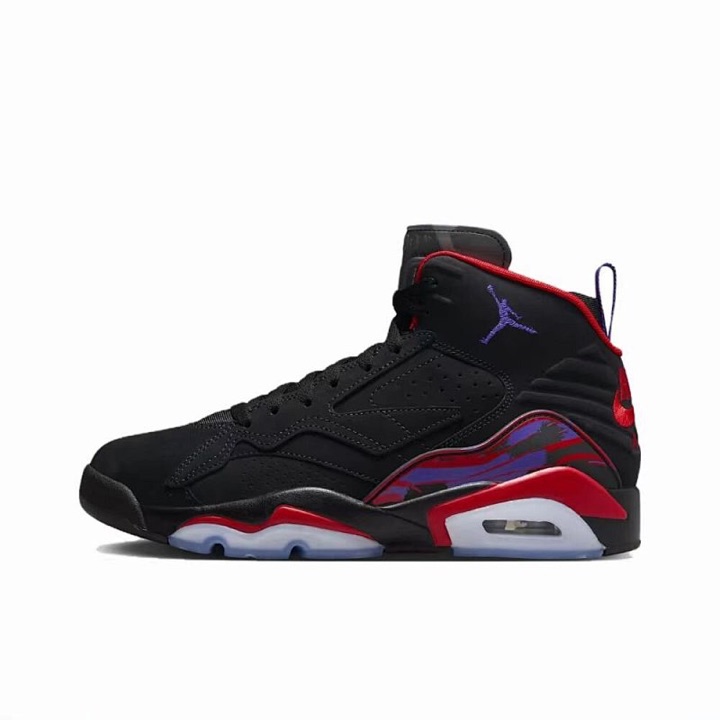
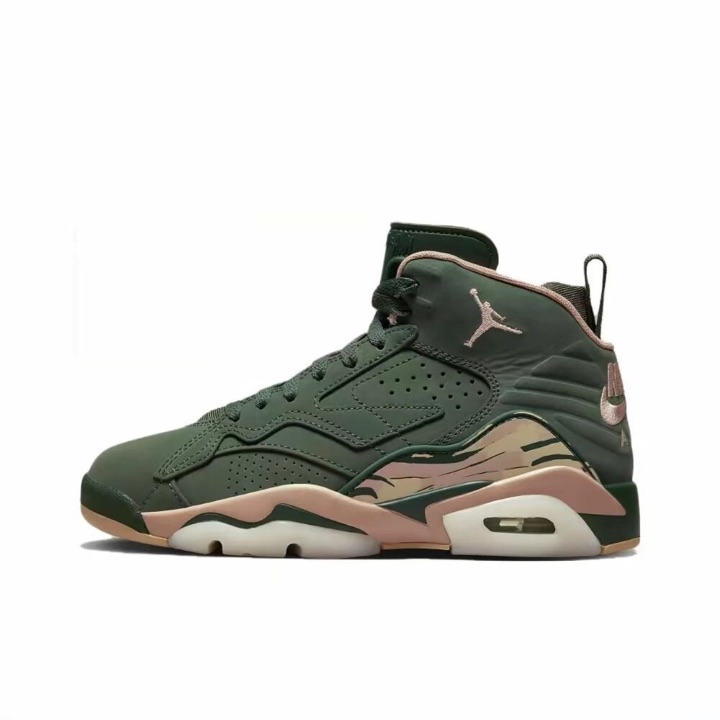
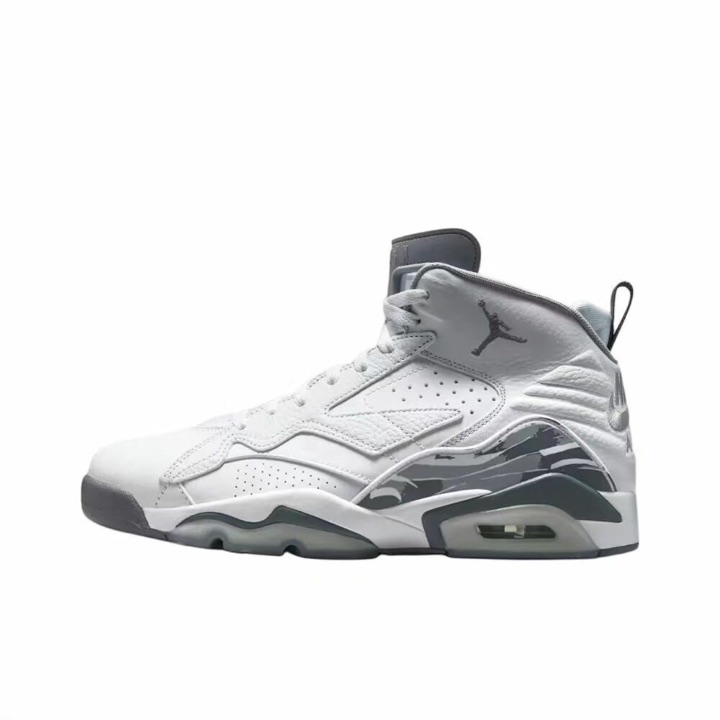

What a Yupoo spreadsheet does
It gathers album links, categories, item codes, notes, and sometimes outside source pages into a useful starting point. A tidy row is not proof of product quality or seller reliability.
Text searches open product results on yupoooo.com in a new tab. The camera opens guidance, not an upload tool.
Independent research field guide
Use the clue you already have—category, item code, photo, or source link—to understand what a Yupoo album shows and what still needs checking.
Yupoo Factory is an independent guide for Yupoo spreadsheet and album research. It does not sell products, process orders, handle shipping, verify sellers, or represent Yupoo or yupoooo.com.
The catalog opens on yupoooo.com in a new tab. It is a separate third-party catalog, not the official Yupoo website.
Choose a product type, then review the photos, measurements, source details, and seller context yourself.
Every card opens the matching product directory on yupoooo.com in a new tab. Yupoooo is a separate third-party catalog.
Use a brand name to narrow the catalog, then verify the model, item code, photos, source details, and seller context yourself.
Every card opens the matching brand directory on yupoooo.com in a new tab. Brand names and marks belong to their respective owners.
These public catalog examples were reviewed on 25 August 2026. Open a card to inspect its current details on yupoooo.com.
Product cards and images lead to a separate third-party catalog. Availability, titles, photos, and destination pages can change.
Quick answer
Good research separates what a page visibly shows from what a seller, marketplace, payment route, or later transaction would still need to prove.
It gathers album links, categories, item codes, notes, and sometimes outside source pages into a useful starting point. A tidy row is not proof of product quality or seller reliability.
Yupoo is primarily used to present photos and captions in albums. Ordering may depend on a separate product, marketplace, or seller-provided link; the album itself may have no checkout.
Know the page
Call the page what it is before relying on it. That small habit prevents an album, directory result, source listing, and checkout from being treated as interchangeable.
A set of images and captions presented on Yupoo. It can describe an item without showing a price, a source listing, or any way to pay.
A result organized by a separate directory. It helps discovery, but it does not independently confirm the uploader, seller, item, or transaction.
A Taobao, Weidian, 1688, or other relevant listing that may provide seller, option, price, or marketplace context for comparison.
The third-party page where price, options, policies, payment method, and available buyer protections must be checked at the time of a decision.
Four-step method
The goal is not to collect the most links. It is to preserve the few links whose evidence still makes sense after inspection.
Name the category, item code, product type, or image clue before opening unrelated albums.
Read captions, photo angles, watermarks, contact details, and the page address without assuming what is missing.
Match the source link, sizing, price basis, likely packed weight, and relevant QC evidence.
Save the result only if you can state why it remains useful and which questions are still open.
Search with intent
A broad word finds possibilities. A product code narrows a match. An image supplies visual clues. None of them, by themselves, verifies the result.
Combine a neutral item type with a color, material, or practical feature. Start broad enough to compare, then narrow only when the results support it.
Plan a product searchPreserve punctuation and spacing, then compare the code with titles, captions, photos, and the outside source page. Similar codes can still identify different options.
Research a product codeUse a clear crop to look for related pages, then compare details and dates. A matching image can be copied and is not evidence of ownership or seller identity.
Learn the image-search workflowLink context
Yupoo, Taobao, Weidian, 1688, and agent-ready pages may be connected, but each answers a different part of the research question.
Treat the price as unknown. Check a relevant caption or source page and record the currency, quantity basis, date, and what the number includes.
The album may be presentation-only. Look for a clearly matched source supplied by the page owner; if none appears, keep the result unresolved.
An agent page may reformat or reference another listing. Check that the underlying item, options, seller page, and current price context still align.
A source listing can add useful context, but its presence does not guarantee stock, suitability, seller reliability, buyer protection, or delivery.
Save rule
A useful shortlist entry is specific enough to compare and honest about what remains unknown.
The category is correct, important angles are visible, and the item code or option can be matched across relevant pages.
Watermarks and contact details are reasonably consistent; sizing or measurements appear when fit matters.
Price is compared with similar results, shipping weight is considered, and the source link appears relevant and usable.
QC photos show the same item or source when possible and cover the details that polished album photos leave uncertain.
Missing price, source, sizing, weight, or contact information remains marked as unknown instead of being filled in by guesswork.
You can explain why the result deserves a place on the shortlist and what must be checked before any next step.
Safety preview
Separate the album platform from the uploader, seller, external link, contact method, payment route, and transaction.
Cloned albums, reused photos, inconsistent watermarks, changed contact details, or a source link that opens an unrelated item all need more checking.
Pressure to pay directly, requests to bypass available protections, and unsupported guarantees are reasons to stop—not reasons to move faster.
Research desk
You do not need to read everything in sequence. Start with the question blocking your next comparison.
Choose a reading path for Yupoo catalogs, China wholesale sourcing, WhatsApp inquiries, MOQ, quotes, QC, or shipping.
Browse all practical guidesRead a row before opening it and decide whether its evidence deserves more research.
Read the main guideSeparate an album platform from an uploader, external source, seller, and checkout.
Learn the page rolesMove through an album without losing the details you need for a later comparison.
Follow the beginner stepsUse plain descriptions, categories, product codes, and image clues without overstating a match.
Improve your searchUnderstand marketplace, seller-provided, agent-ready, and missing-link situations.
Interpret the linksScore the available evidence before adding a result to your working shortlist.
Use the checklistCompare polished album images with QC photos without treating either as authentication.
Review QC evidenceKeep packed mass, volume, estimates, and third-party responsibility in context.
Compare weight estimatesPrepare the page, code, option, quantity, and one missing field before opening a conversation.
Write a focused inquirySeparate item, option, carton, value, and whole-order minimums before comparing terms.
Clarify the minimumRecord currency, quantity basis, inclusions, validity, and date beside the exact product code.
Build a comparable quoteDefine the packed order, chargeable basis, route, fee scope, and date before comparing numbers.
Request a shipping quoteNotice inconsistent contacts, mismatched links, recycled images, and payment pressure.
Check the warning signsGet a direct answer to a common question, then continue to the relevant detailed page.
Browse common questionsUnderstand the site's independent purpose, editorial approach, and boundaries.
About Yupoo FactoryReview the limits around third-party sites, sellers, products, payments, and shipping.
Read the disclaimerA calmer next step
If you already know the product type, open the matching catalog category. If the source, price, sizing, or seller details are still unclear, use the checklist before continuing.
The catalog is provided by yupoooo.com, a separate third-party site.
